
Why this happens
A cell's resting voltage gives a quick idea of its state: full, mid, low or over-discharged. A microcontroller's analogue input can measure that voltage if it is scaled correctly and calibrated against a reference meter. Building one teaches you how ADCs, reference voltages and dividers work, which underpins how a BMS measures cells.
What you need
Tools
- Soldering iron and solder
- Digital multimeter
- Laptop with the Arduino IDE
Materials
- Arduino Nano or similar board
- Small I2C OLED or LCD display
- Single-cell holder with leads
- Two precision resistors for a voltage divider
- Small capacitor for filtering
- Push button (optional)
- Project box
Before you start
- Use only loose single cells; do not connect the checker to an EV battery, balance leads or anything that needs a pack opened.
- Never short a cell's terminals; keep metal tools and wire ends away from the holder.
- Do not charge or discharge cells with this build; it is for measurement only.
- Reject any cell with dents, torn wrapping or leaks before you test it.
Step by step
- 1
Decide what you will measure
This checker is for loose single cells on a bench, such as new cells in a holder. It will not be connected to an EV battery or a pack's balance leads, which would mean opening the pack. A single lithium-ion cell's voltage stays within a few volts, which a microcontroller can read with a simple divider or, on a 5 V board, through a protective series resistor.
- 2
Design the divider
Choose two resistors so the cell's maximum voltage, scaled down, stays below the board's reference voltage with a margin. Use precision resistors in the tens of kilohms so the divider draws very little current from the cell. Add a small capacitor from the ADC pin to ground to filter noise. Write the divider ratio down; the sketch uses it.
Tip: A higher divider resistance draws less from the cell but is more sensitive to noise; filtering helps.
- 3
Wire the board and display
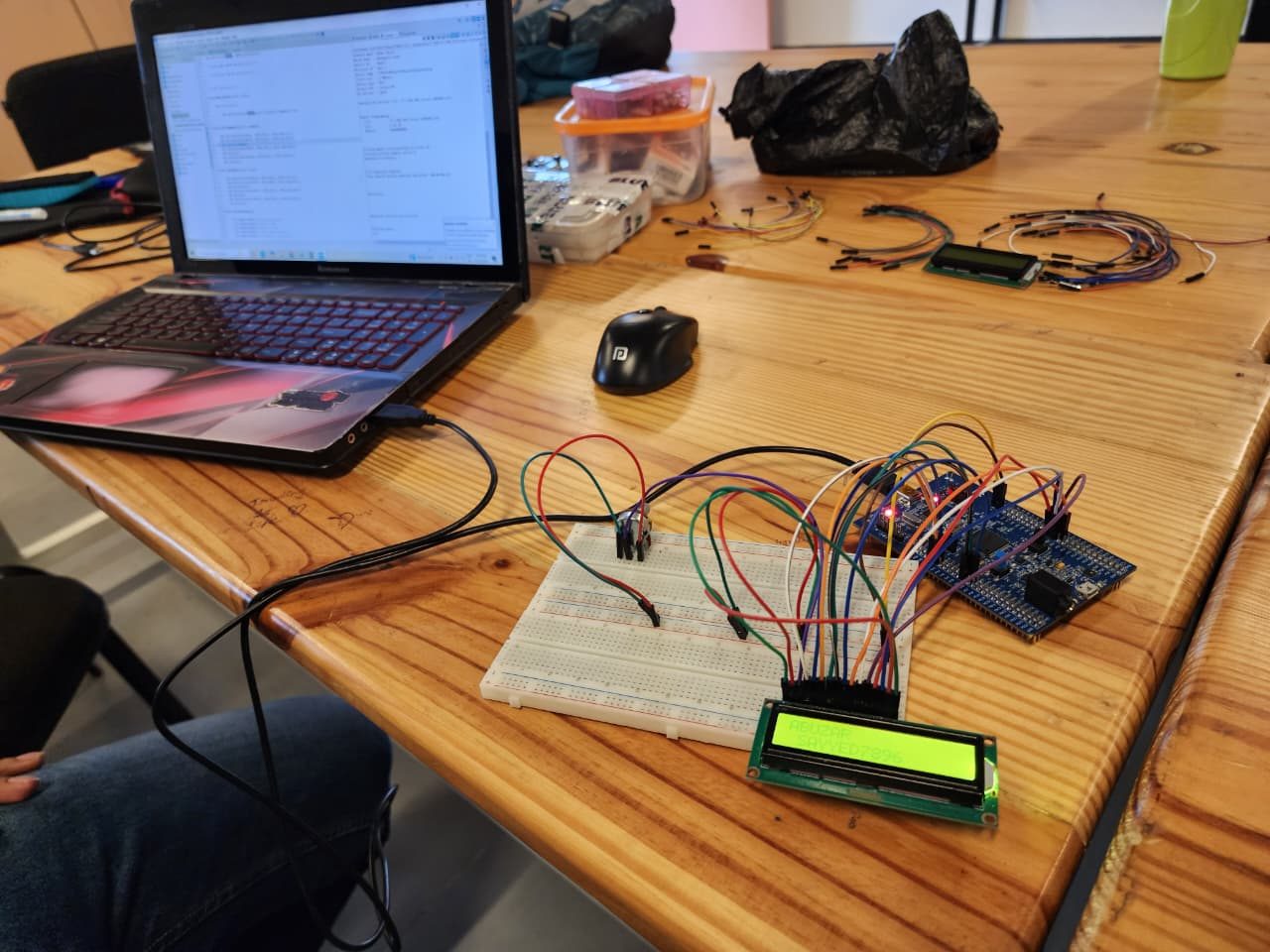
Connect the cell holder's positive to the top of the divider and its negative to the board ground. Connect the divider midpoint to an analogue input. Wire the display to the I2C pins and power the board from USB or a separate small supply, not from the cell under test. Double-check polarity before inserting a cell.
- 4
Write the sketch
Take many ADC readings, average them, convert to volts using the reference voltage and divider ratio, and display the result to two decimal places. Add simple bands from your cell's datasheet: for example full, mid, low and too low. Show a clear warning if the voltage is below the datasheet minimum, because that cell may be damaged.
- 5
Calibrate with a multimeter
Measure the same cell with your multimeter and with the checker. If they differ, adjust a calibration factor in the sketch until they match. Repeat with cells at different charge levels to check accuracy across the range. The board's internal reference can vary from board to board, so calibrate each build individually.
- 6
Box it up neatly
Fit the board, display and holder into a project box with the display visible and the holder accessible. Secure wires so they cannot pull out or short. Label the holder with the correct polarity. Add a push button if you want to wake the display or hold a reading. Keep the build tidy, because loose wires near cells cause shorts.
- 7
Use it with the right expectations
Let a cell rest after charging or use before measuring; voltage under load or just after charging is misleading. Treat the bands as approximate, because the relationship between voltage and charge is flat in the middle and varies with chemistry and temperature. Use the checker to sort cells and spot over-discharged ones, not to judge capacity.
How to tell it worked
The checker's reading matches your multimeter within a few hundredths of a volt across the cell's range, and the display clearly flags cells that are low or over-discharged.
Stop and call a technician if
- A cell reads far below the datasheet minimum, feels warm at rest or looks swollen; set it aside safely for proper recycling.
- The holder or wiring gets warm, which suggests a short.
- You find yourself wanting to measure cells inside a vehicle battery: that is a service centre job.
Questions
Can voltage tell me the exact percentage left?
Only roughly. The voltage curve is flat in the middle and changes with temperature and load, which is why a BMS also counts current.
Why does the reading jump around?
ADC noise. Average many readings, add a small filter capacitor and keep the divider wires short.