
Why this happens
Temperature strongly affects lithium battery life and safety: cells age faster when hot and charge less effectively when cold. A BMS measures temperature inside the pack, but you rarely see that data. An external logger with digital temperature probes shows you trends at the casing, such as how hot the battery area gets on a summer afternoon or while charging.
What you need
Tools
- Soldering iron and solder
- Laptop with the Arduino IDE
- Infrared thermometer for cross-checking
- Digital multimeter
Materials
- ESP32 development board
- Waterproof digital temperature probes (one-wire type), two or three
- Pull-up resistor for the probe data line
- MicroSD card module and card, or Wi-Fi for logging
- Real-time clock module (optional)
- Power bank
- Heat-resistant tape such as aluminium or polyimide tape
- Project box and cable ties
Before you start
- Measure only the outside of the battery casing; never insert probes into the pack, vents or connectors.
- Power the logger from its own power bank, not from the EV battery or its wiring.
- Keep cables clear of wheels, brakes and moving parts, and remove the setup if it interferes with riding.
- Do not leave a charging vehicle unattended because you have a logger fitted; the logger is not a safety device.
Step by step
- 1
Plan where to measure
Decide on measurement points that you can reach without opening anything: the outside of a removable battery casing, the battery compartment wall, near the charge port and ambient air. For bench learning, you can also log a single cell in a holder. Never push probes inside a battery pack, vents or the charge port.
- 2
Wire the probes
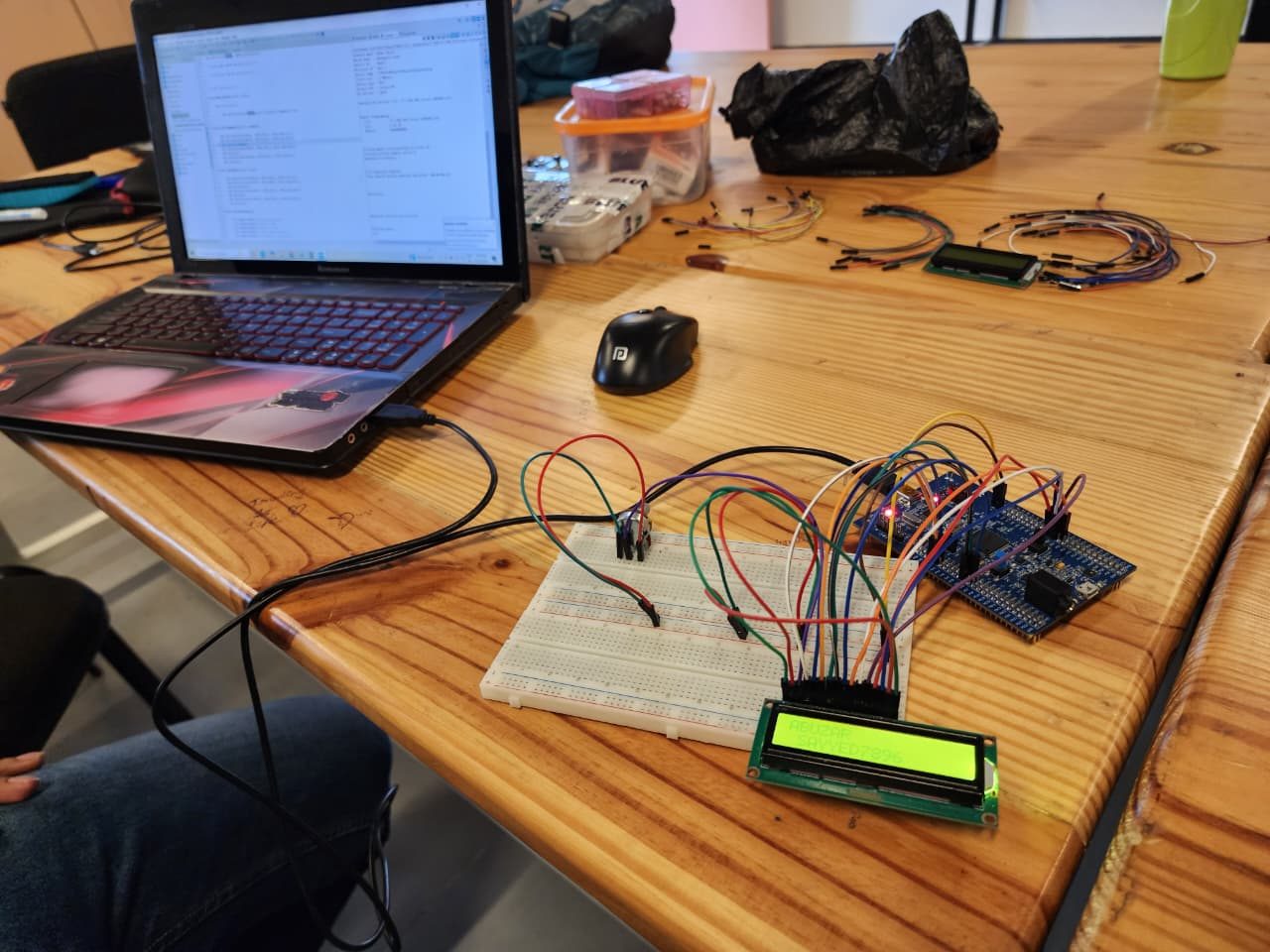
Connect the probes' power and ground to the ESP32's 3.3 V and ground, and their data lines together to one digital pin, with a pull-up resistor to 3.3 V. One-wire probes each have a unique address, so several can share the pin. Label each probe with tape so you know which one is ambient and which one is on the casing.
- 3
Add storage and time
Wire a microSD module to the ESP32's SPI pins, or plan to log over Wi-Fi to a laptop. Add a real-time clock module, or get time from Wi-Fi when available, so each reading has a timestamp. Format the card and create a CSV file with a header row: time, ambient, casing, near port.
- 4
Write the logging sketch
Every 30 to 60 seconds, read each probe by its address, print the readings over serial for testing and append a line to the CSV file. Flush the file after each write so a power loss does not corrupt it. Add a simple LED blink when a reading is saved so you can see the logger is working without a laptop.
Tip: Log faster while testing and slower for long storage runs to save card space and power.
- 5
Check accuracy
Put all probes together in the same place at room temperature for a few minutes and compare readings; they should agree closely. Note any small offset and correct it in the sketch. Cross-check with an infrared thermometer pointed at matt tape on the same surface. Accurate probes matter, because you will compare readings across different points.
- 6
Fit the probes externally
With the vehicle switched off, tape probes firmly to the outside of the battery casing or compartment wall with heat-resistant tape, and leave the ambient probe in free air away from sunlight. Route cables away from moving parts, the wheels and the brakes, and do not trap them in lids or seals. Power the ESP32 from its own power bank, not the vehicle.
- 7
Log rides, charging and parking
Run the logger during a normal ride, a full charge and a few hours parked in shade and in sun. Stay nearby during charging as you normally should. Stop the logger, remove the card and open the CSV in a spreadsheet. Plot casing temperature and ambient temperature against time on the same chart.
- 8
Act on what you learn
Look at how much warmer the casing gets than ambient, and when. Use this to change habits: park in shade, let the battery cool before charging after a hard ride, and avoid charging in hot enclosed spaces. Keep the logs as a baseline. A sudden change from the usual pattern is a reason to have the battery checked.
How to tell it worked
You have timestamped CSV logs showing casing and ambient temperatures during riding, charging and parking, with probes that agree with each other and with an IR thermometer.
Stop and call a technician if
- The casing temperature climbs much faster or higher than in your earlier logs.
- The battery smells, swells, hisses or smokes: move away and call 112.
- Fitting probes would mean opening the battery compartment beyond what the owner's manual allows.
Questions
Does the casing temperature equal the cell temperature?
No. Cells inside can be warmer than the casing. The logger shows trends and comparisons, not the BMS's internal readings.
Can the logger cut charging if the battery gets hot?
Do not build it to control charging. The vehicle's BMS and charger handle protection; this is a measurement tool only.