🧩
Project 01
Model a flanged hub
Using pad, shaft, pocket, holes and fillets, model a simple wheel hub or flange from a dimensioned sketch and check its mass with the inertia tool.
An introduction to CATIA V5 covering the interface, model tree and compass, sketching with constraints, Part Design features (pad, pocket, shaft, groove, holes, fillet, chamfer, draft, shell, mirror), measuring, Assembly Design with constraints, and 2D drafting with views, dimensions and annotations. It is for beginner
Course Curriculum
An introduction to CATIA V5 covering the interface, model tree and compass, sketching with constraints, Part Design features (pad, pocket, shaft, groove, holes, fillet, chamfer, draft, shell, mirror), measuring, Assembly
Topic 1: Starting with Catia V5
<1 min· free trial
Topic 2: How to Use the Exercise Files - Download the Files
<1 min· free trial
Topic 1: Getting Started with CATIA V5 – Interface, File Creation & Settings
11 min
Topic 2: CATIA V5 Workspace Explained – Layout & Navigation
17 min
Topic 3: Exploring the Model Tree, Compass, and Mouse Controls
15 min
Topic 4: Visualization and Selection Tools in CATIA
15 min
Topic 1: From Sketch to Solid – Complete Part Design Workflow
7 min
Topic 2: Sketch Options & Tools
20 min
Topic 3: Drawing Sketch Curves – Profile and Operation Toolbars
18 min
Topic 4: Applying Constraints & Performing Sketch Analysis
16 min
Topic 1: Creating 3D Features – Pad, Pocket, Shaft, Groove & Holes
22 min
Topic 2: Advanced Features – Fillet, Chamfer, Draft, and Shell Tools
16 min
Topic 3: Mirroring and Completing Part Design – Practice Session
13 min
Topic 4: Measuring in CATIA – Distance, Items, and Inertia
11 min
Topic 1: Building an Assembly – Product Files and Part Insertion
6 min
Topic 2: Assembly Constraints, Relationships, and Save Management
16 min
Topic 1: Creating 2D Drawings – Page Setup and Base View
9 min
Topic 2: Adding Dimensions in the Drafting Environment
6 min
Topic 3: Working with Text and Annotations in Drafting
3 min
Topic 1: Saving and Printing Your CATIA Drawings
2 min
Earn a certificate
Every completing learner receives a joint certificate carrying ASDC (Government of India) and AICTE NEAT recognition. The certificate carries a public verification code recruiters can validate in seconds via emobility.careers.
System Requirements
What to have ready before you start this course.
Associated Skills
DIY Projects Included
Work you build while learning — submitted in the course and reviewed by a trainer, and yours to show afterwards.
Using pad, shaft, pocket, holes and fillets, model a simple wheel hub or flange from a dimensioned sketch and check its mass with the inertia tool.
Insert two parts into a product file, apply assembly constraints and save the product with correct file management.
Create a 2D drawing of your part with base and projected views, dimensions and annotations, then save and print it.
Course Benefits
Two audiences. Two angles. Pick the one that maps to where you are today.
What this course includes
Who can take this course?
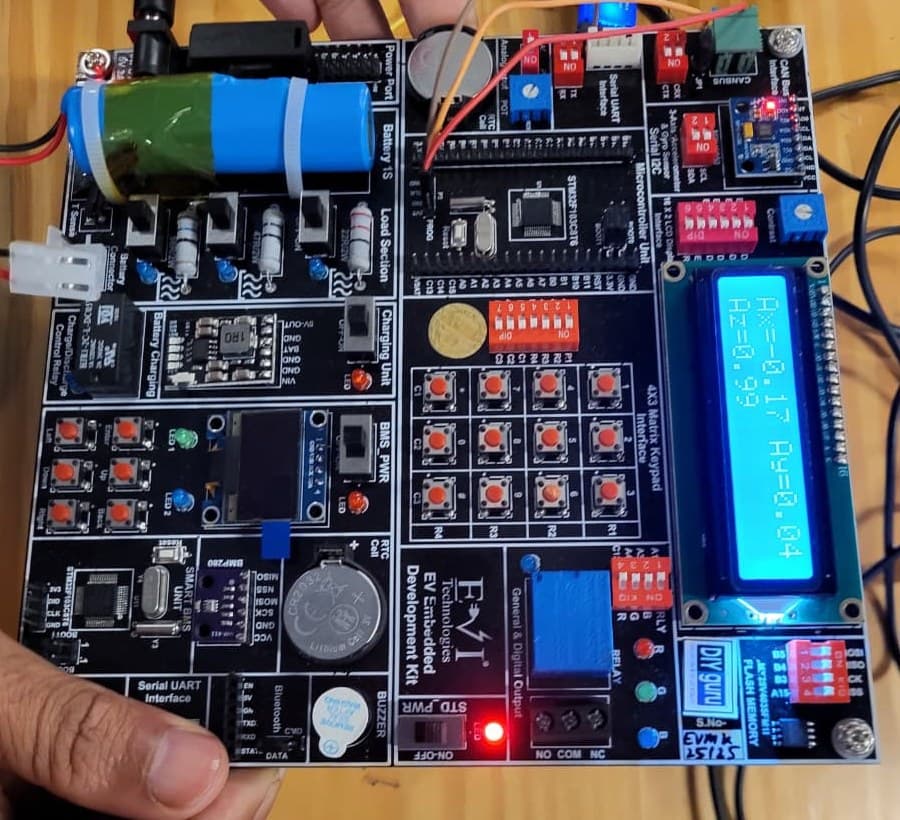
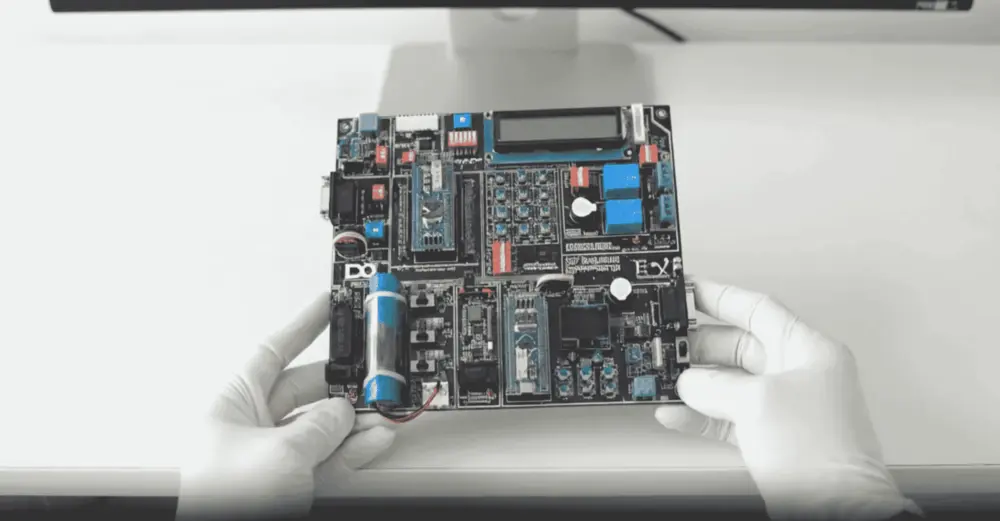
Practise on real hardware
₹10,000 + GST
See what's in the kitTrainer Support
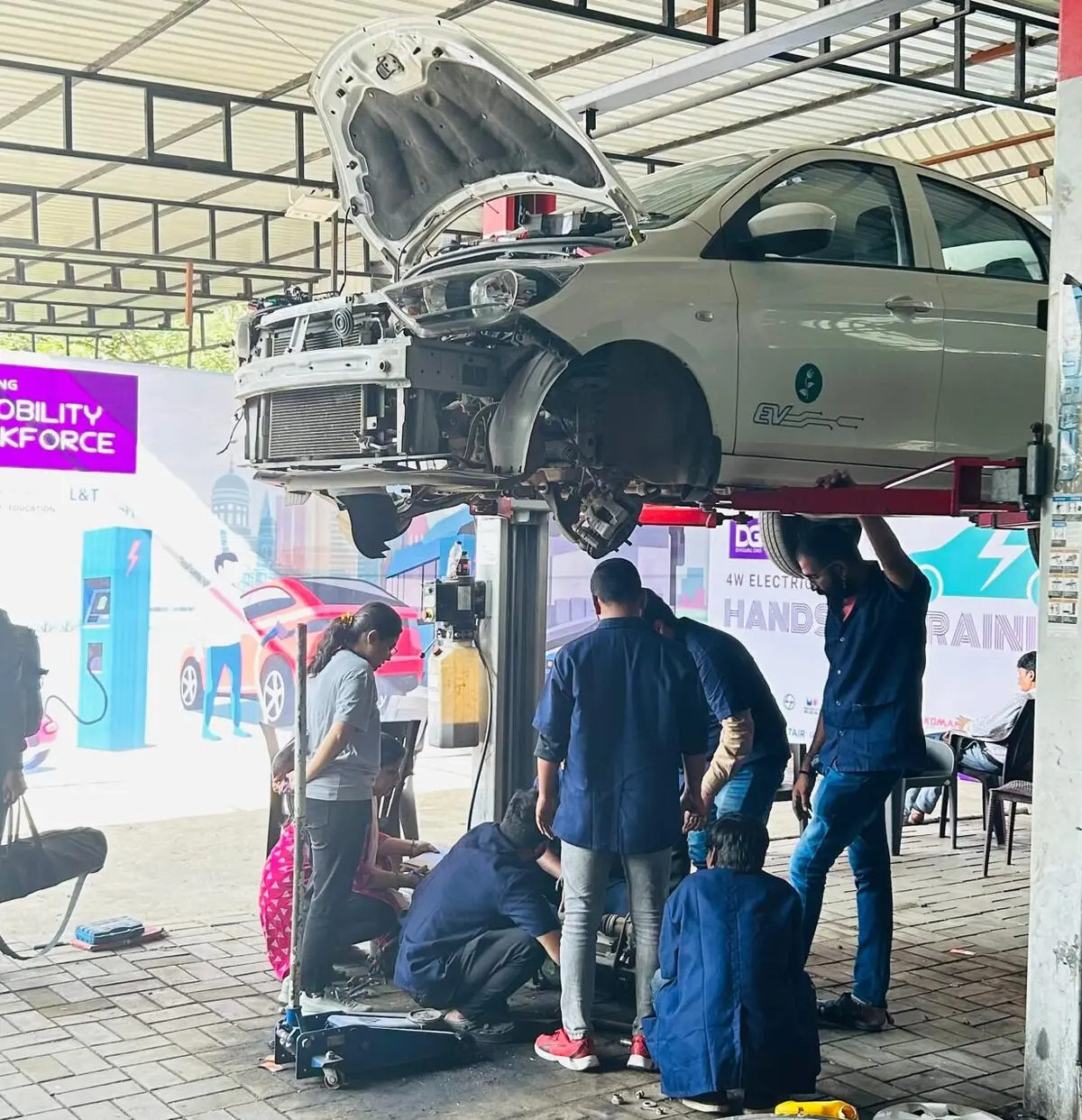
Ask questions in the course Q&A, for example on an over-constrained sketch, a failed pocket or drawing view setup, and a trainer will respond. Live doubt-clearing sessions are offered when scheduled.
Bharat eMobility Recruitathon
The Bharat eMobility Recruitathon brings our learners face to face with companies hiring across the EV industry. Watch the Delhi and Pune chapters.
Reviews
★★★★★
Outstanding Support. Thanks a lot, Anubhav, for the immense support and guidance throughout the program, and for your patience while calmly helping me fix both small and big problems. You have excellent and in-depth knowledge about CATIA and the alternative options you taught me. I'm delighted to share my opinion about my experience.
Adewoye A. · Aug 2020
Reviewed on courses.diyguru.org
★★★★★
Incredible mentorship, and amazing and unique lectures. DIYguru provides a great way to learn with self-paced videos and recordings of online sessions. Thanks, DIYguru, for providing quality education.
Praneeth C. · Jul 2020
Reviewed on courses.diyguru.org
★★★★★
Loved It!!. DIYguru is a great learning platform for aspirants. It provides online learning with global intellectual faculties. It offers unparallel service and is the best place to attain professional knowledge and grow in one's career. I am very, very thankful to DIYguru.
Surwasekuldeep · Jul 2020
Reviewed on courses.diyguru.org
★★★★★
Awesome. I recently enrolled in the CATIA Program at DIYguru. The syllabus is systematically structured, and the sessions are explained with examples. This makes the course more accessible to freshers with basic knowledge. Looking forward to completing it. Thanks, DIYguru Team.
Rohan M. · Jul 2020
Reviewed on courses.diyguru.org
★★★★★
Excellent. DIYguru is an excellent platform for online learning. Their course curriculum is comprehensive and up to date. We get enough time for the access to the recorded sessions in case we need to refresh our understanding. If you are looking to upskill, I suggest you sign up with DIYguru.
Anand G. · Nov 2019
Reviewed on courses.diyguru.org
★★★★★
Brilliant. DIYguru facilitates a brilliant platform to acquire new & relevant skills at ease. Well laid out course content and expert faculty ensure an excellent learning experience.
Arunkumar · Oct 2019
Reviewed on courses.diyguru.org
FAQ
Talk to a counsellor
Leave your details — a counsellor will call you about the syllabus, fees, EMI and certificates.
Technical Expertise You Will Gain
The roles these skills are used in, what you'll be able to do, and the parts of the industry that need it.
Government-Certified · Industry-Endorsed · Learner-Approved
Automotive Skills Development Council — recognised by major OEMs worldwide.
National Educational Alliance for Technology — issued under AICTE's premium learning ecosystem.
Learner Stories
The hardware-first approach made all the difference. Came in from a generalist electronics background; the BMS and motor-drive modules gave me concrete vocabulary I could carry into Infineon interviews.

Industry-grade depth without the academic ivory tower. The MATLAB Simulink + capstone defence prepared me for exactly the kind of cross-functional EV problems we solve at Cummins.

Started with electronics, walked into a BMS role in Germany. The applied projects + mentor reviews are what carried me through — the certifications opened the door, the depth got me hired.

Recorded lessons at your own pace · trainer doubt support · verifiable certificate on completion.