
🛵
Project 01
Full e-scooter assembly
Complete the course project: model and assemble the 2W frame, suspension, wheels, brakes, battery pack, controller casing and body panels into one SOLIDWORKS assembly.
The \\\\\\\"Certification Program in Electric Vehicle Modeling and Design with SOLIDWORKS\\\\\\\" offers a comprehensive guide to designing a two-wheeler and four-wheeler using SolidWorks. You\\\\\\\'ll start by mastering in 3D modeling and gradually move on to designing key components like the frame, suspension, swing


Course Curriculum
The \\\\\\\"Certification Program in Electric Vehicle Modeling and Design with SOLIDWORKS\\\\\\\" offers a comprehensive guide to designing a two-wheeler and four-wheeler using SolidWorks. You\\\\\\\'ll start by masterin
Sign up on ev.care to access free learning materials & Q&A support!
text
Lecture1: Starting with 2W Design
15 min· free trial
Lecture 2: Starting with 2W Modeling using SOLIDWORKS
16 min· free trial
Lecture 3: Designing Chassis/Frame with SOLIDWORKS
16 min
Lecture 4: Designing Rear Suspension with SOLIDWORKS Part 1
16 min
Lecture 5: Designing Rear Suspension with SOLIDWORKS Part 2
17 min
Lecture 6: Designing Rear Suspension with SOLIDWORKS Part 3
8 min
Lecture 7: Designing Swing Arm with SOLIDWORKS Part 1
19 min
Lecture 8: Designing Swing Arm with SOLIDWORKS Part 2
12 min
Lecture 9: Designing Swing Arm with SOLIDWORKS Part 3
10 min
Lecture 10: Designing Front Alloy Wheel with SOLIDWORKS
15 min
Lecture 11: Designing Tyre with SOLIDWORKS
16 min
Lecture 12: Assembling Front Alloy Wheel, Tyre & Swing Arm in SOLIDWORKS
20 min
Lecture 13: Designing Disc Brake (for front wheel) with SOLIDWORKS
18 min
Lecture 14: Assembling Disc Brake with Front Alloy Wheel in SOLIDWORKS
17 min
Lecture 15: Designing Front Telescopic Suspension with SOLIDWORKS Part 1
20 min
Lecture 16: Designing Front Telescopic Suspension with SOLIDWORKS Part 2
8 min
Lecture 17: Designing Rear Wheel Hub Motor with SOLIDWORKS
18 min
Lecture 18: Designing Drum Brake (for rear wheel) with SOLIDWORKS
22 min
Lecture 19: Designing Motor Controller Casing with SOLIDWORKS Part 1
19 min
Lecture 20: Designing Motor Controller Casing with SOLIDWORKS Part 2
15 min
Lecture 21: Designing Motor Controller Casing with SOLIDWORKS Part 3
15 min
Lecture 22: Designing Battery Pack with SOLIDWORKS
34 min
Lecture 23: Designing DC-DC Converter with SOLIDWORKS
13 min
Lecture 24: Designing 2W Steering (Handlebar) with SOLIDWORKS Part 1
10 min
Lecture 25: Designing 2W Steering (Handlebar) with SOLIDWORKS Part 2
20 min
Lecture 26: Integrating 2W Components in SOLIDWORKS - An Overview of Component Assembly
19 min
Lecture 27: Assembling 2W Components in SOLIDWORKS - Part 1
16 min
Lecture 28: Assembling 2W Components in SOLIDWORKS - Part 2
21 min
Lecture 29: Assembling 2W Components in SOLIDWORKS - Part 3
14 min
Lecture 30: Modeling 2W Seat in SOLIDWORKS
19 min
Lecture 31: Assembling Seat in Final 2W Assembly in SOLIDWORKS
17 min
Lecture 32: 2W Dynamics Assembly Part 1
11 min
Lecture 33: 2W Dynamics Assembly Part 2
16 min
Lecture 34: 2W Dynamics Assembly Part 3 - Seat
18 min
Lecture 35: Designing the Lower Floor & Panel in SOLIDWORKS
17 min
Lecture 36: Designing Front Panel with SOLIDWORKS Part 1
17 min
Lecture 37: Designing Front Panel with SOLIDWORKS Part 2
16 min
Lecture 38: Designing Front Panel with SOLIDWORKS Part 3
14 min
Lecture 39: Designing & Assembling Headlight in SOLIDWORKS
16 min
Lecture 40: Designing & Assembling Front Fender in SOLIDWORKS
19 min
Lecture 41: Designing Rear Cover/Panel in SOLIDWORKS
16 min
Lecture 42: Designing & Assembling Rear Lights in SOLIDWORKS
16 min
Lecture 43: Designing & Assembling Rear Fender & Finalizing 2W Design in SOLIDWORKS
23 min
Lecture 44: 4W - Car Chassis Part 1
14 min
Lecture 45: 4W - Car Chassis Part 2
17 min
Lecture 46: 4W - Car Chassis Part 3
15 min
Lecture 47: 4W - Torsion Beam Part 1
13 min
Lecture 48: 4W - Torsion Beam Part 2
15 min
Lecture 49: 4W - Car Tyre Part 1
13 min
Lecture 50: 4W - Car Tire Part 2
12 min
Lecture 51: 4W - Car Brake Rotor
24 min
Lecture 52: 4W - Steering Knuckle Part 1
18 min
Lecture 53: 4W - Steering Knuckle Part 2
24 min
Lecture 54: 4W - Steering Knuckle Part 3
7 min
Lecture 55: 4W - Front Suspension MacPherson Part 1
13 min
Lecture 56: 4W - Front Suspension MacPherson Part 2
16 min
Lecture 57: 4W - Lower Control ARM Part 1
14 min
Lecture 58: 4W - Lower Control ARM Part 2
7 min
Lecture 59: 4W - Powertrain Part 1
17 min
Lecture 60: 4W - Powertrain Part 2
19 min
Project: 2W Design in SOLIDWORKS
assignment
Congratulations on Successfully Completing the Course!
text
Earn a certificate
Every completing learner receives a joint certificate carrying ASDC (Government of India) and AICTE NEAT recognition. The certificate carries a public verification code recruiters can validate in seconds via emobility.careers.
System Requirements
What to have ready before you start this course.
Associated Skills
DIY Projects Included
Work you build while learning — submitted in the course and reviewed by a trainer, and yours to show afterwards.
Complete the course project: model and assemble the 2W frame, suspension, wheels, brakes, battery pack, controller casing and body panels into one SOLIDWORKS assembly.
Combine your steering knuckle, MacPherson strut, lower control arm, brake rotor and tyre into a front corner assembly and check fit and clearances.
Model the torsion beam and place the powertrain from Module 11 on your car chassis to see packaging and mounting points.
Course Benefits
Two audiences. Two angles. Pick the one that maps to where you are today.
What this course includes
Who can take this course?
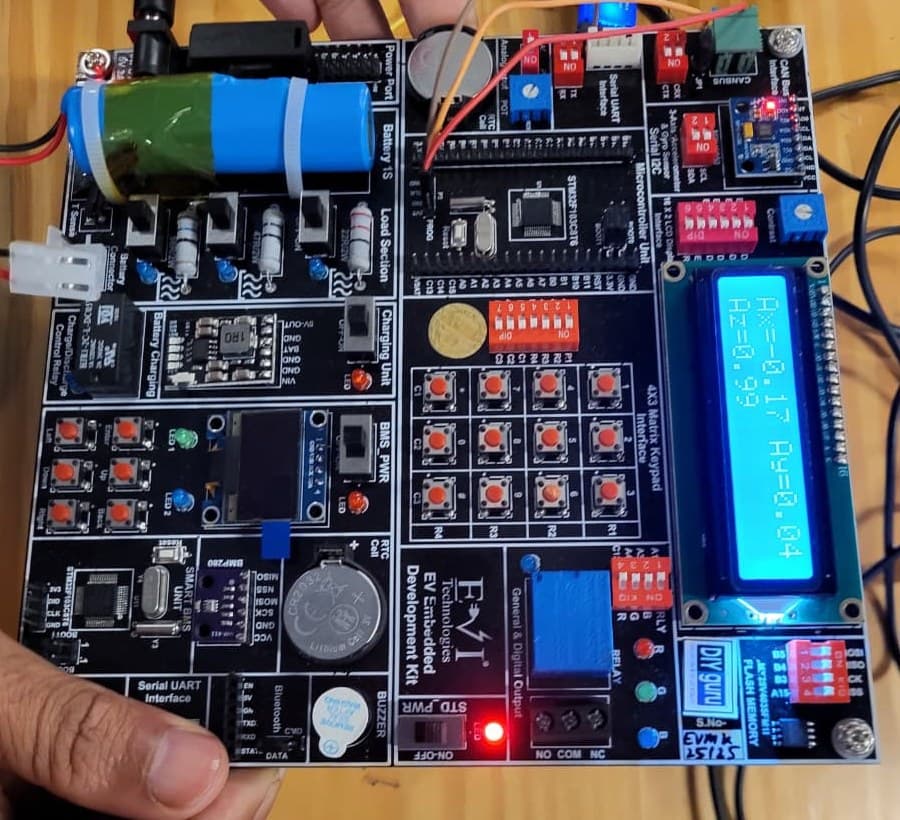
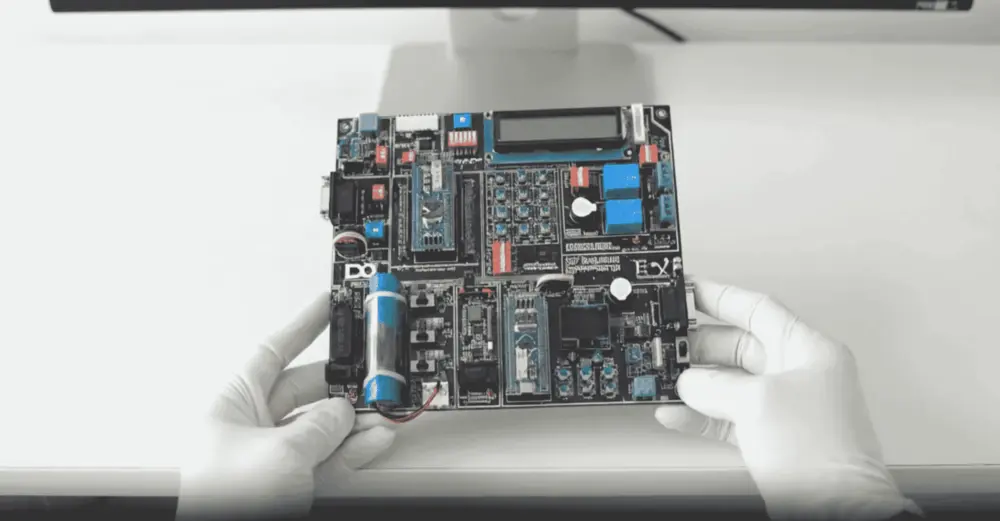
Practise on real hardware
₹10,000 + GST
See what's in the kitTrainer Support
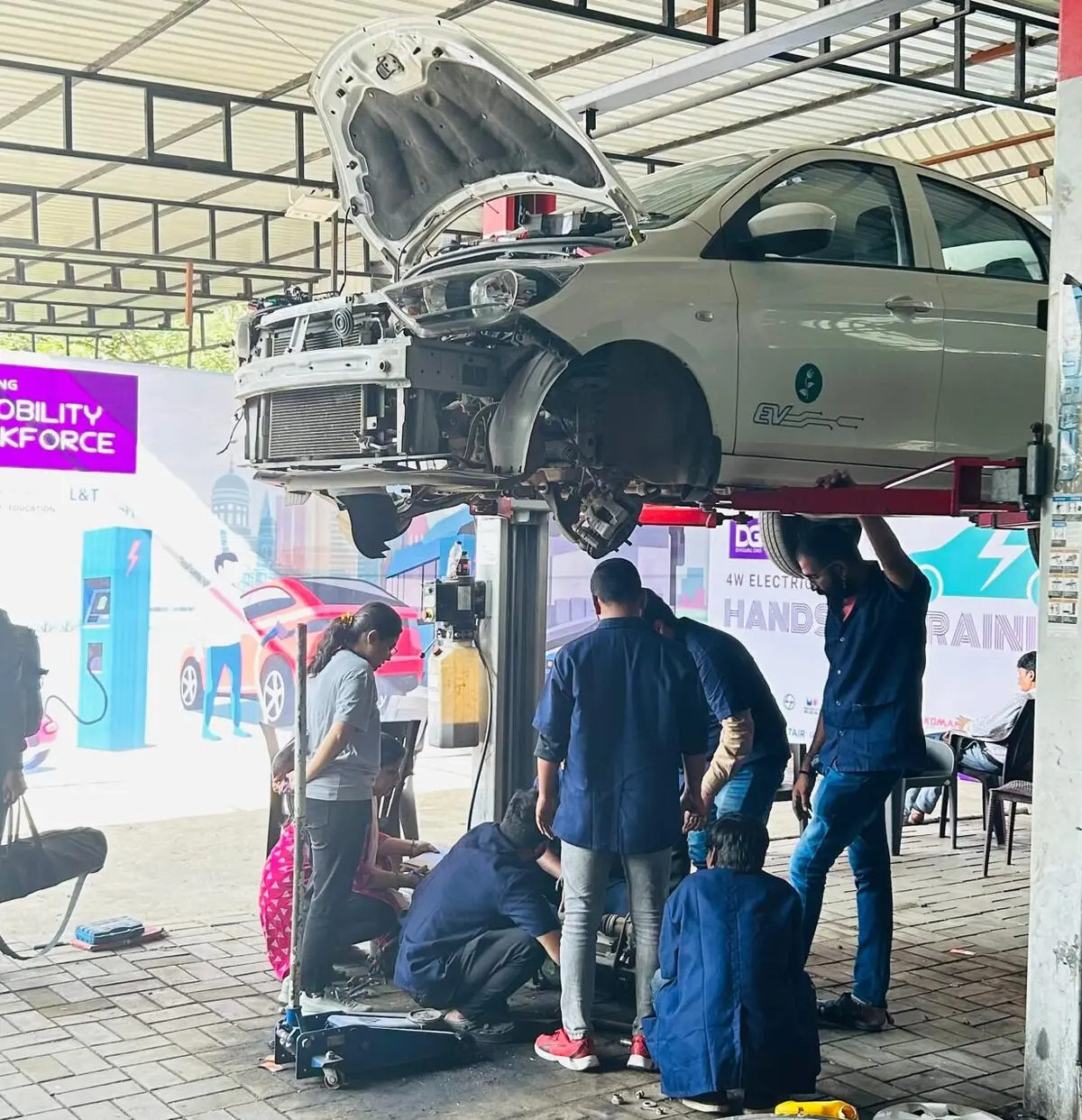
Post doubts in the course Q&A, such as mate errors in the 2W assembly or a sketch issue on the steering knuckle, and a trainer will answer. Nanodegree and PG programme students also get scheduled live classes and doubt-clearing sessions.
Bharat eMobility Recruitathon
The Bharat eMobility Recruitathon brings our learners face to face with companies hiring across the EV industry. Watch the Delhi and Pune chapters.
FAQ
Talk to a counsellor
Leave your details — a counsellor will call you about the syllabus, fees, EMI and certificates.
Technical Expertise You Will Gain
The roles these skills are used in, what you'll be able to do, and the parts of the industry that need it.
Government-Certified · Industry-Endorsed · Learner-Approved
Automotive Skills Development Council — recognised by major OEMs worldwide.
National Educational Alliance for Technology — issued under AICTE's premium learning ecosystem.
Learner Stories
The hardware-first approach made all the difference. Came in from a generalist electronics background; the BMS and motor-drive modules gave me concrete vocabulary I could carry into Infineon interviews.

Industry-grade depth without the academic ivory tower. The MATLAB Simulink + capstone defence prepared me for exactly the kind of cross-functional EV problems we solve at Cummins.

Started with electronics, walked into a BMS role in Germany. The applied projects + mentor reviews are what carried me through — the certifications opened the door, the depth got me hired.

Recorded lessons at your own pace · trainer doubt support · verifiable certificate on completion.