🚗
Project 01
Model a compact car bonnet and roof
Follow Module 9 to build the bonnet, side profile and roof of a hatchback, checking roof alignment and curvature with the diagnostic shader.
This course teaches Class-A style surface modelling in Autodesk Alias, from the interface, curve tools and surface continuity through to a complete Mini Cooper body built over twenty step-by-step lessons. It finishes with automotive rendering in Alias and KeyShot, and suits design students, CAD users and stylists who w
Course Curriculum
This course teaches Class-A style surface modelling in Autodesk Alias, from the interface, curve tools and surface continuity through to a complete Mini Cooper body built over twenty step-by-step lessons. It finishes wit
Sign up at eMobility.careers to get exclusive EV job Opportunities!
text
Topic 1: Alias Fundamentals - Modeling Principle & Reverse Engineering
11 min· free trial
Topic 2: CAID, CAM, CAE, and CAD - An Overview
4 min· free trial
Topic 3: Software Distribution Across the PLM Cycle
6 min
Topic 4: Why Use Autodesk Alias?
3 min
Topic 5: Design Practices Before Alias
2 min
Topic 1: Alias Interface Tour and Model Visualization
7 min
Topic 2: Exploring the Menu Bar in Alias
3 min
Topic 3: Exploring the Palette Shelf in Alias (Part 1) - Pick Tools
6 min
Topic 4: Exploring the Palette Shelf in Alias (Part 2) – Transform Tools & Paint
10 min
Topic 5: Shortcut Keys and Mouse Controls in Alias - Part 1
23 min
Topic 6: Shortcut Keys and Mouse Controls in Alias - Part 2
3 min
Topic 7: Setting Up Canvas Images in Alias
23 min
Topic 8: Pivot Points and Grouping & Ungrouping of Objects
7 min
Topic 9: Working with Layers in Alias
4 min
Topic 1: Introduction to Curves in Alias
23 min
Topic 2: Key Curve Terminology in Alias
7 min
Topic 3: Working with Key Point Curve Tools & Curvature in Alias
22 min
Topic 4: Editing Curves Using Curve Edit Tools in Alias - Part 1
8 min
Topic 5: Editing Curves Using Curve Edit Tools in Alias – Part 2
10 min
Topic 1: Surface Terminology and Continuity in Alias
30 min
Topic 2: Alias Surface Commands (Part 1) – Primitive & Core Tools
11 min
Topic 3: Alias Surface Commands (Part 2) – Rail, Extrude, Square & Blending Tools
12 min
Topic 4: Alias Surface Commands (Part 3) – Fillet, Blends, Flange & Control Tools
28 min
Topic 5: Alias Surface Commands (Part 4) – Surface Refinement & Joining Tools
16 min
Topic 6: Surface Curve Network Command
7 min
Topic 7: Sketch to Surface in Alias – Analyzing 2D Sketch for 3D Modeling
17 min
Topic 8: Surface Analysis in Alias – Evaluating 3D Model
14 min
Topic 9: Understanding Primary, Secondary, and Tertiary Surfaces in Alias
8 min
Topic 10: Surface Editing in Alias (Part 1) – Using Project, Trim, Stitch & Adv. Tools
13 min
Topic 11: Surface Editing in Alias (Part 2) – Using Shell, Rebuild, & Other Tools
19 min
Topic 12: Surface Editing in Alias (Part 3) – Using Planarize Hull & Orientation Tools
10 min
Topic 1: Object Editing in Alias (Part 1) – Using Attach, Insert, Extend & Symm Tools
18 min
Topic 2: Object Editing in Alias (Part 2) – Using Editor, Close, Query & Smooth Tools
9 min
Topic 3: Object Editing in Alias (Part 3) – Using Align, Lattice, Transform & Other Tools
33 min
Topic 4: Construction Tools in Alias – Points, Vectors, Planes & More
19 min
Topic 5: Locator Tools in Alias – Angle, Annotation, Measurement & More
14 min
Topic 1: Working with the Control Panel in Alias
33 min
Topic 2: Using the Diagnostic Shader in Alias
34 min
Topic 1: Introduction to Product Design in Alias
2 min
Topic 2: Product Design Example in Alias
1 min
Topic 3: Developing a Product in Alias
20 min
Topic 1: Conceptual Design 1 – Creating Base Layout & Body Volume with CV Curves
37 min
Topic 2: Conceptual Design 2 – Rear Patch Development & Curvature Definition
31 min
Topic 3: Conceptual Design 3 – Curve & Surface Alignment for Shape Integrity
30 min
Topic 4: Conceptual Design 4 – Surface Filleting & Symmetry Alignment
37 min
Topic 5: Conceptual Design 5 – Surface Trimming, Blending & Diagnostic Visualization
9 min
Topic 1: Automotive Design Part 1 – Intro to Automotive Design (Mini Cooper & Bonnet Modeling)
22 min
Topic 2: Automotive Design Part 2 – Side Profile & Roof Construction
29 min
Topic 3: Automotive Design Part 3 – Roof Alignment Techniques
11 min
Topic 4: Automotive Design Part 4 – Front Windshield Design
15 min
Topic 5: Automotive Design Part 5 – Wheel Arch Design & Integration
20 min
Topic 6: Automotive Design Part 6 – Lower Front Fascia Modeling
28 min
Topic 7: Automotive Design Part 7 – Rear Upper Body Design
12 min
Topic 8: Automotive Design Part 8 – Windshield Frame & A-Pillar Area Design
13 min
Topic 9: Automotive Design Part 9 – Surface Trimming & Cleanup
27 min
Topic 10: Automotive Design Part 10 – Patch Alignment & Curve Construction
21 min
Topic 11: Automotive Design Part 11 – Object Refinement & Functional Blending
29 min
Topic 12: Automotive Design Part 12 – Advanced Feature Definition
19 min
Topic 13: Automotive Design Part 13 – Connected Ends, Rear Curvature & Surface Refinement
24 min
Topic 14: Automotive Design Part 14 – Rear Surface Blending & High-Fidelity Detailing
26 min
Topic 15: Automotive Design Part 15 – Surface Transitioning & Plane Refinement
25 min
Topic 16: Automotive Design Part 16 – Area Alignment and Surface Modification
20 min
Topic 17: Automotive Design Part 17 – Curve Refinement and Detailing
32 min
Topic 18: Automotive Design Part 18 – Advanced Curve Shaping
24 min
Topic 19: Automotive Design Part 19 – Filleting Specific Surface Areas
28 min
Topic 20: Automotive Design Part 20 – Final Model Inspection and Completion
27 min
Topic 1: Automotive Rendering with Alias
5 min
Topic 2: Automotive Rendering with KeyShot
9 min
Earn a certificate
Every completing learner receives a joint certificate carrying ASDC (Government of India) and AICTE NEAT recognition. The certificate carries a public verification code recruiters can validate in seconds via emobility.careers.
System Requirements
What to have ready before you start this course.
Associated Skills
DIY Projects Included
Work you build while learning — submitted in the course and reviewed by a trainer, and yours to show afterwards.
Follow Module 9 to build the bonnet, side profile and roof of a hatchback, checking roof alignment and curvature with the diagnostic shader.
Using the Module 7 workflow, take a simple household product from a canvas image to a closed, filleted surface model.
Export your finished body surfaces and set up materials, lighting and camera views in KeyShot to produce a presentation render.
Course Benefits
Two audiences. Two angles. Pick the one that maps to where you are today.
What this course includes
Who can take this course?
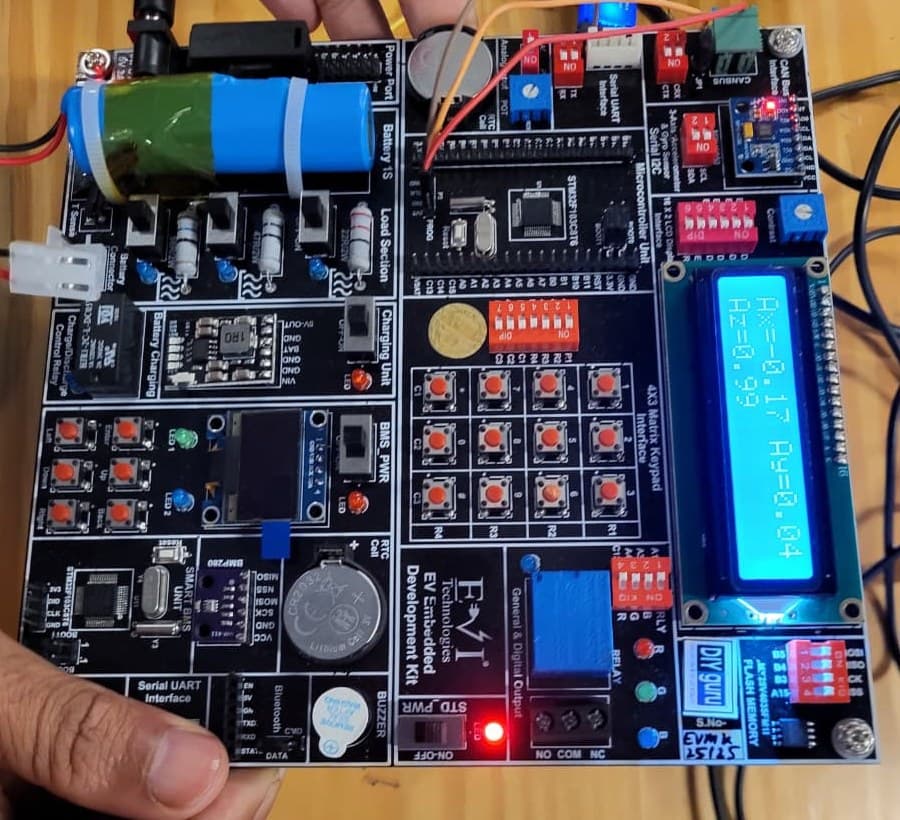
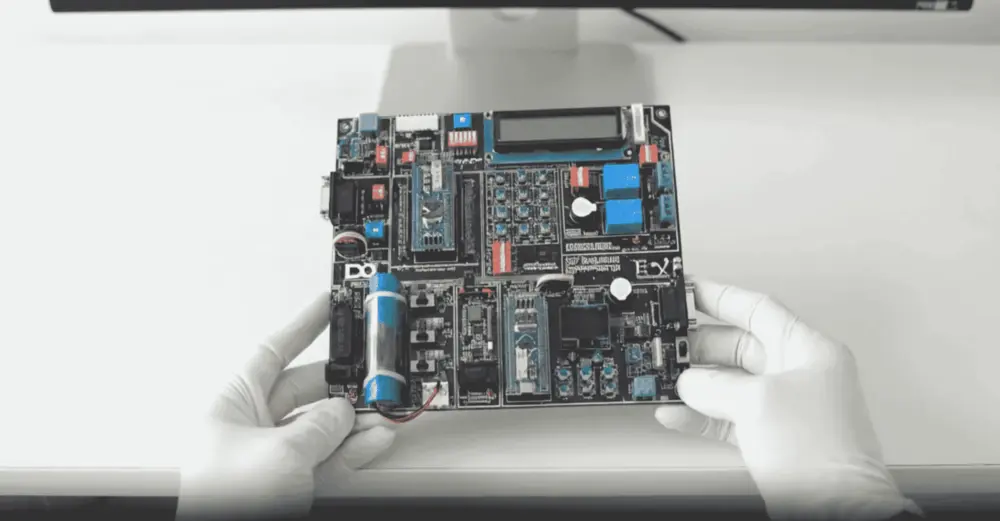
Practise on real hardware
₹10,000 + GST
See what's in the kitTrainer Support
Post questions in the course Q&A on the portal, for example on surface continuity, patch alignment or a stuck step in the Mini Cooper build, and a trainer will reply; screenshots of your model help. Live doubt-clearing sessions are offered when scheduled.
Bharat eMobility Recruitathon
The Bharat eMobility Recruitathon brings our learners face to face with companies hiring across the EV industry. Watch the Delhi and Pune chapters.
Reviews
★★★★★
Excellent Practical Learning Experience in Autodesk Alias. The course provided strong fundamentals and practical exposure to Autodesk Alias. Assignments helped me understand surface modeling workflow and file export standards. The feedback system was helpful for improving mesh quality and geometry cleanup. Overall, a valuable learning experience.
Shubham M. · Feb 2026
Reviewed on courses.diyguru.org
★★★★★
Excellent. Very useful course. I will recommend this course to all.
Noble T. · Jul 2025
Reviewed on courses.diyguru.org
★★★★★
great!. course was a great experience.
Mayank S. · Feb 2025
Reviewed on courses.diyguru.org
★★★★★
excellent course
Neeraj H. · Oct 2023
Reviewed on courses.diyguru.org
★★★★★
I liked the lecture and now I am really confident in alias now I just need some practice
PREM M. · Mar 2026
★★★★★
Incomplete explanation. I was extremely disappointed with the explanation provided to me. It was incomplete and did not provide the necessary details I needed to fully understand the topic. I found myself confused and frustrated, wondering why such an important aspect was left out.
Shreyas · Nov 2023
Reviewed on courses.diyguru.org
FAQ
Talk to a counsellor
Leave your details — a counsellor will call you about the syllabus, fees, EMI and certificates.
Technical Expertise You Will Gain
The roles these skills are used in, what you'll be able to do, and the parts of the industry that need it.
Government-Certified · Industry-Endorsed · Learner-Approved
Automotive Skills Development Council — recognised by major OEMs worldwide.
National Educational Alliance for Technology — issued under AICTE's premium learning ecosystem.
Learner Stories
The hardware-first approach made all the difference. Came in from a generalist electronics background; the BMS and motor-drive modules gave me concrete vocabulary I could carry into Infineon interviews.

Industry-grade depth without the academic ivory tower. The MATLAB Simulink + capstone defence prepared me for exactly the kind of cross-functional EV problems we solve at Cummins.

Started with electronics, walked into a BMS role in Germany. The applied projects + mentor reviews are what carried me through — the certifications opened the door, the depth got me hired.

Recorded lessons at your own pace · trainer doubt support · verifiable certificate on completion.