🚗
Project 01
Model a compact car bonnet and roof
Follow Module 9 to build the bonnet, side profile and roof of a hatchback, checking roof alignment and curvature with the diagnostic shader.
This course teaches Class-A style surface modelling in Autodesk Alias, from the interface, curve tools and surface continuity through to a complete Mini Cooper body built over twenty step-by-step lessons. It finishes with automotive rendering in Alias and KeyShot, and suits design students, CAD users and stylists who w
Course Curriculum
This course teaches Class-A style surface modelling in Autodesk Alias, from the interface, curve tools and surface continuity through to a complete Mini Cooper body built over twenty step-by-step lessons. It finishes wit
eMobility.careers पर साइन अप करें और पाएं EV जॉब के विशेष अवसर!
text
विषय 1: Alias की बुनियादी बातें - मॉडलिंग सिद्धांत और रिवर्स इंजीनियरिंग
11 min· free trial
विषय 2: CAID, CAM, CAE और CAD - एक अवलोकन
4 min· free trial
विषय 3: PLM साइकिल में सॉफ़्टवेयर का वितरण
6 min
विषय 4: Autodesk Alias का उपयोग क्यों करें?
3 min
विषय 5: Alias से पहले की Design Practices
2 min
विषय 1: Alias Interface Tour और Model Visualization
7 min
विषय 2: Alias में Menu Bar की पड़ताल
3 min
विषय 3: Alias में Palette Shelf की पड़ताल (भाग 1) - Pick Tools
6 min
विषय 4: Alias में Palette Shelf की खोज (भाग 2) – Transform टूल्स और Paint
10 min
विषय 5: Alias में Shortcut Keys और Mouse Controls - भाग 1
23 min
विषय 6: Alias में Shortcut Keys और Mouse Controls - भाग 2
3 min
विषय 7: Alias में Canvas Images सेट अप करना
23 min
विषय 8: पिवट पॉइंट्स और ऑब्जेक्ट्स की ग्रुपिंग व अनग्रुपिंग
7 min
विषय 9: Alias में लेयर्स के साथ काम करना
4 min
विषय 1: Alias में कर्व्स का परिचय
23 min
विषय 2: Alias में प्रमुख कर्व शब्दावली
7 min
विषय 3: Alias में की-पॉइंट कर्व टूल्स और कर्वेचर के साथ काम करना
22 min
विषय 4: Alias में कर्व एडिट टूल्स से कर्व्स को एडिट करना - भाग 1
8 min
विषय 5: Alias में कर्व एडिट टूल्स से कर्व्स को एडिट करना – भाग 2
10 min
विषय 1: Alias में सरफेस शब्दावली और कंटिन्युटी
30 min
विषय 2: Alias सरफेस कमांड्स (भाग 1) – प्रिमिटिव और कोर टूल्स
11 min
विषय 3: Alias सरफेस कमांड्स (भाग 2) – रेल, एक्सट्रूड, स्क्वेयर और ब्लेंडिंग टूल्स
12 min
विषय 4: Alias सरफेस कमांड्स (भाग 3) – फ़िलेट, ब्लेंड्स, फ्लैंज और कंट्रोल टूल्स
28 min
विषय 5: Alias सरफेस कमांड्स (भाग 4) – सरफेस रिफ़ाइनमेंट और जॉइनिंग टूल्स
16 min
विषय 6: सरफेस कर्व नेटवर्क कमांड
7 min
विषय 7: Alias में स्केच से सरफेस – 3D मॉडलिंग के लिए 2D स्केच का विश्लेषण
17 min
विषय 8: Alias में सरफेस एनालिसिस – 3D मॉडल का मूल्यांकन
14 min
विषय 9: Alias में प्राइमरी, सेकेंडरी और टर्शियरी सरफेसेज़ को समझना
8 min
विषय 10: Alias में सरफेस एडिटिंग (भाग 1) – Project, Trim, Stitch और एडवांस्ड टूल्स का उपयोग
13 min
विषय 11: Alias में सरफेस एडिटिंग (भाग 2) – शेल, रीबिल्ड और अन्य टूल्स का उपयोग
19 min
विषय 12: Alias में सरफेस एडिटिंग (भाग 3) – प्लेनराइज़ हल और ओरिएंटेशन टूल्स का उपयोग
10 min
विषय 1: Alias में ऑब्जेक्ट एडिटिंग (भाग 1) – Attach, Insert, Extend और Symm टूल्स का उपयोग
18 min
विषय 2: Alias में ऑब्जेक्ट एडिटिंग (भाग 2) – Editor, Close, Query और Smooth टूल्स का उपयोग
9 min
विषय 3: Alias में ऑब्जेक्ट एडिटिंग (भाग 3) – Align, Lattice, Transform और अन्य टूल्स का उपयोग
33 min
विषय 4: Alias में कंस्ट्रक्शन टूल्स – पॉइंट्स, वेक्टर्स, प्लेन्स और बहुत कुछ
19 min
विषय 5: Alias में लोकेटर टूल्स – एंगल, एनोटेशन, मेज़रमेंट और बहुत कुछ
14 min
विषय 1: Alias में कंट्रोल पैनल के साथ काम करना
33 min
विषय 2: Alias में डायग्नोस्टिक शेडर का उपयोग
34 min
विषय 1: Alias में प्रोडक्ट डिज़ाइन का परिचय
2 min
विषय 2: Alias में प्रोडक्ट डिज़ाइन का उदाहरण
1 min
विषय 3: Alias में प्रोडक्ट विकसित करना
20 min
विषय 1: कॉन्सेप्चुअल डिज़ाइन 1 – CV कर्व्स से बेस लेआउट और बॉडी वॉल्यूम बनाना
37 min
विषय 2: कॉन्सेप्चुअल डिज़ाइन 2 – रियर पैच डेवलपमेंट और कर्वेचर डेफ़िनिशन
31 min
विषय 3: कॉन्सेप्चुअल डिज़ाइन 3 – शेप इंटीग्रिटी के लिए कर्व और सरफेस अलाइनमेंट
30 min
विषय 4: कॉन्सेप्चुअल डिज़ाइन 4 – सरफेस फ़िलेटिंग और सिमेट्री अलाइनमेंट
37 min
विषय 5: कॉन्सेप्चुअल डिज़ाइन 5 – सरफेस ट्रिमिंग, ब्लेंडिंग और डायग्नोस्टिक विज़ुअलाइज़ेशन
9 min
विषय 1: ऑटोमोटिव डिज़ाइन भाग 1 – ऑटोमोटिव डिज़ाइन का परिचय (Mini Cooper और बोनट मॉडलिंग)
22 min
विषय 2: ऑटोमोटिव डिज़ाइन भाग 2 – साइड प्रोफ़ाइल और रूफ़ कंस्ट्रक्शन
29 min
विषय 3: ऑटोमोटिव डिज़ाइन भाग 3 – रूफ़ अलाइनमेंट तकनीकें
11 min
विषय 4: ऑटोमोटिव डिज़ाइन भाग 4 – फ्रंट विंडशील्ड डिज़ाइन
15 min
विषय 5: ऑटोमोटिव डिज़ाइन भाग 5 – व्हील आर्च डिज़ाइन और इंटीग्रेशन
20 min
विषय 6: ऑटोमोटिव डिज़ाइन भाग 6 – लोअर फ्रंट फ़ेशिया मॉडलिंग
28 min
विषय 7: ऑटोमोटिव डिज़ाइन भाग 7 – रियर अपर बॉडी डिज़ाइन
12 min
विषय 8: ऑटोमोटिव डिज़ाइन भाग 8 – विंडशील्ड फ़्रेम और A-पिलर एरिया डिज़ाइन
13 min
विषय 9: ऑटोमोटिव डिज़ाइन भाग 9 – सरफेस ट्रिमिंग और क्लीनअप
27 min
विषय 10: ऑटोमोटिव डिज़ाइन भाग 10 – पैच अलाइनमेंट और कर्व कंस्ट्रक्शन
21 min
विषय 11: ऑटोमोटिव डिज़ाइन भाग 11 – ऑब्जेक्ट रिफ़ाइनमेंट और फंक्शनल ब्लेंडिंग
29 min
विषय 12: ऑटोमोटिव डिज़ाइन भाग 12 – एडवांस्ड फ़ीचर डेफ़िनिशन
19 min
विषय 13: ऑटोमोटिव डिज़ाइन भाग 13 – कनेक्टेड एंड्स, रियर कर्वेचर और सरफेस रिफ़ाइनमेंट
24 min
विषय 14: ऑटोमोटिव डिज़ाइन भाग 14 – रियर सरफेस ब्लेंडिंग और हाई-फ़िडेलिटी डिटेलिंग
26 min
विषय 15: ऑटोमोटिव डिज़ाइन भाग 15 – सरफेस ट्रांज़िशनिंग और प्लेन रिफ़ाइनमेंट
25 min
विषय 16: ऑटोमोटिव डिज़ाइन भाग 16 – एरिया अलाइनमेंट और सरफेस मॉडिफ़िकेशन
20 min
विषय 17: ऑटोमोटिव डिज़ाइन भाग 17 – कर्व रिफ़ाइनमेंट और डिटेलिंग
32 min
विषय 18: ऑटोमोटिव डिज़ाइन भाग 18 – एडवांस्ड कर्व शेपिंग
24 min
विषय 19: ऑटोमोटिव डिज़ाइन भाग 19 – विशिष्ट सरफेस एरिया की फ़िलेटिंग
28 min
विषय 20: ऑटोमोटिव डिज़ाइन भाग 20 – फ़ाइनल मॉडल इंस्पेक्शन और समापन
27 min
विषय 1: Alias के साथ ऑटोमोटिव रेंडरिंग
5 min
विषय 2: KeyShot के साथ ऑटोमोटिव रेंडरिंग
9 min
Earn a certificate
Every completing learner receives a joint certificate carrying ASDC (Government of India) and AICTE NEAT recognition. The certificate carries a public verification code recruiters can validate in seconds via emobility.careers.
System Requirements
What to have ready before you start this course.
Associated Skills
DIY Projects Included
Work you build while learning — submitted in the course and reviewed by a trainer, and yours to show afterwards.
Follow Module 9 to build the bonnet, side profile and roof of a hatchback, checking roof alignment and curvature with the diagnostic shader.
Using the Module 7 workflow, take a simple household product from a canvas image to a closed, filleted surface model.
Export your finished body surfaces and set up materials, lighting and camera views in KeyShot to produce a presentation render.
Course Benefits
Two audiences. Two angles. Pick the one that maps to where you are today.
What this course includes
Who can take this course?
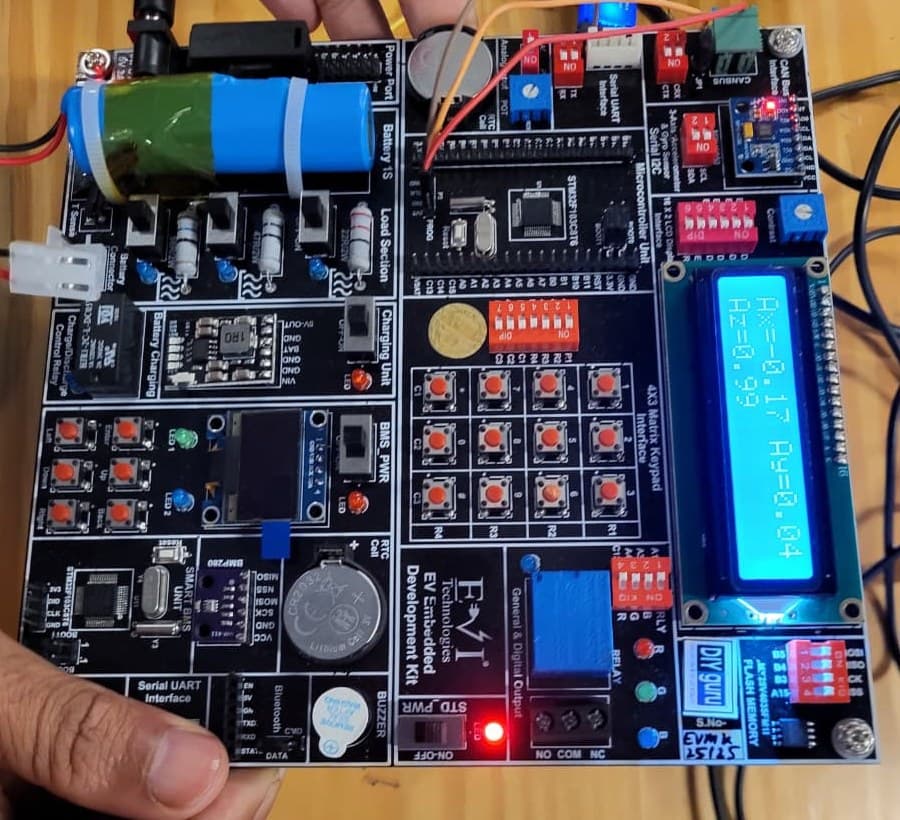
Practise on real hardware
₹10,000 + GST
See what's in the kitTrainer Support
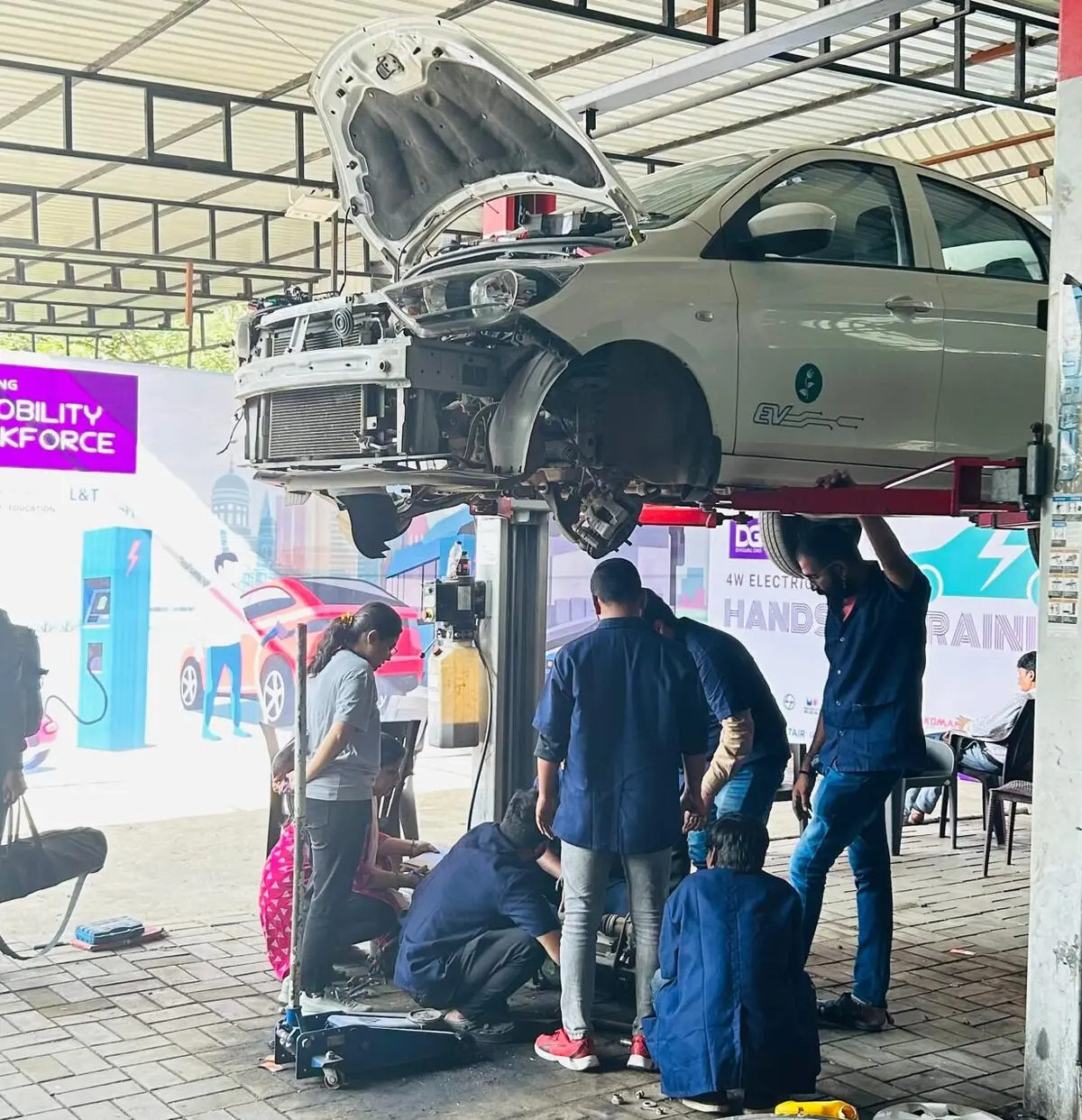
Post questions in the course Q&A on the portal, for example on surface continuity, patch alignment or a stuck step in the Mini Cooper build, and a trainer will reply; screenshots of your model help. Live doubt-clearing sessions are offered when scheduled.
Bharat eMobility Recruitathon
The Bharat eMobility Recruitathon brings our learners face to face with companies hiring across the EV industry. Watch the Delhi and Pune chapters.
Reviews
★★★★★
Excellent Practical Learning Experience in Autodesk Alias. The course provided strong fundamentals and practical exposure to Autodesk Alias. Assignments helped me understand surface modeling workflow and file export standards. The feedback system was helpful for improving mesh quality and geometry cleanup. Overall, a valuable learning experience.
Shubham M. · Feb 2026
Reviewed on courses.diyguru.org
★★★★★
Excellent. Very useful course. I will recommend this course to all.
Noble T. · Jul 2025
Reviewed on courses.diyguru.org
★★★★★
great!. course was a great experience.
Mayank S. · Feb 2025
Reviewed on courses.diyguru.org
★★★★★
excellent course
Neeraj H. · Oct 2023
Reviewed on courses.diyguru.org
★★★★★
I liked the lecture and now I am really confident in alias now I just need some practice
PREM M. · Mar 2026
★★★★★
Incomplete explanation. I was extremely disappointed with the explanation provided to me. It was incomplete and did not provide the necessary details I needed to fully understand the topic. I found myself confused and frustrated, wondering why such an important aspect was left out.
Shreyas · Nov 2023
Reviewed on courses.diyguru.org
FAQ
Talk to a counsellor
Leave your details — a counsellor will call you about the syllabus, fees, EMI and certificates.
Technical Expertise You Will Gain
The roles these skills are used in, what you'll be able to do, and the parts of the industry that need it.
Government-Certified · Industry-Endorsed · Learner-Approved
Automotive Skills Development Council — recognised by major OEMs worldwide.
National Educational Alliance for Technology — issued under AICTE's premium learning ecosystem.
Learner Stories
The hardware-first approach made all the difference. Came in from a generalist electronics background; the BMS and motor-drive modules gave me concrete vocabulary I could carry into Infineon interviews.

Industry-grade depth without the academic ivory tower. The MATLAB Simulink + capstone defence prepared me for exactly the kind of cross-functional EV problems we solve at Cummins.

Started with electronics, walked into a BMS role in Germany. The applied projects + mentor reviews are what carried me through — the certifications opened the door, the depth got me hired.

Recorded lessons at your own pace · trainer doubt support · verifiable certificate on completion.